Help · How-to
Watch how it's done.
See how to use the app in minutes. Working in the terminal? Check out the CLI examples, or the full reference.
 Screenshot
 a page to PNG
Capture a page exactly as it renders.
Screenshot
Screenshot a page to PNG
Capture a page exactly as it renders.
 Timing
Wait for animations to finish
Hold the shot until the page signals it's ready.
Timing
Wait for animations to finish
Hold the shot until the page signals it's ready.
 Document
STD
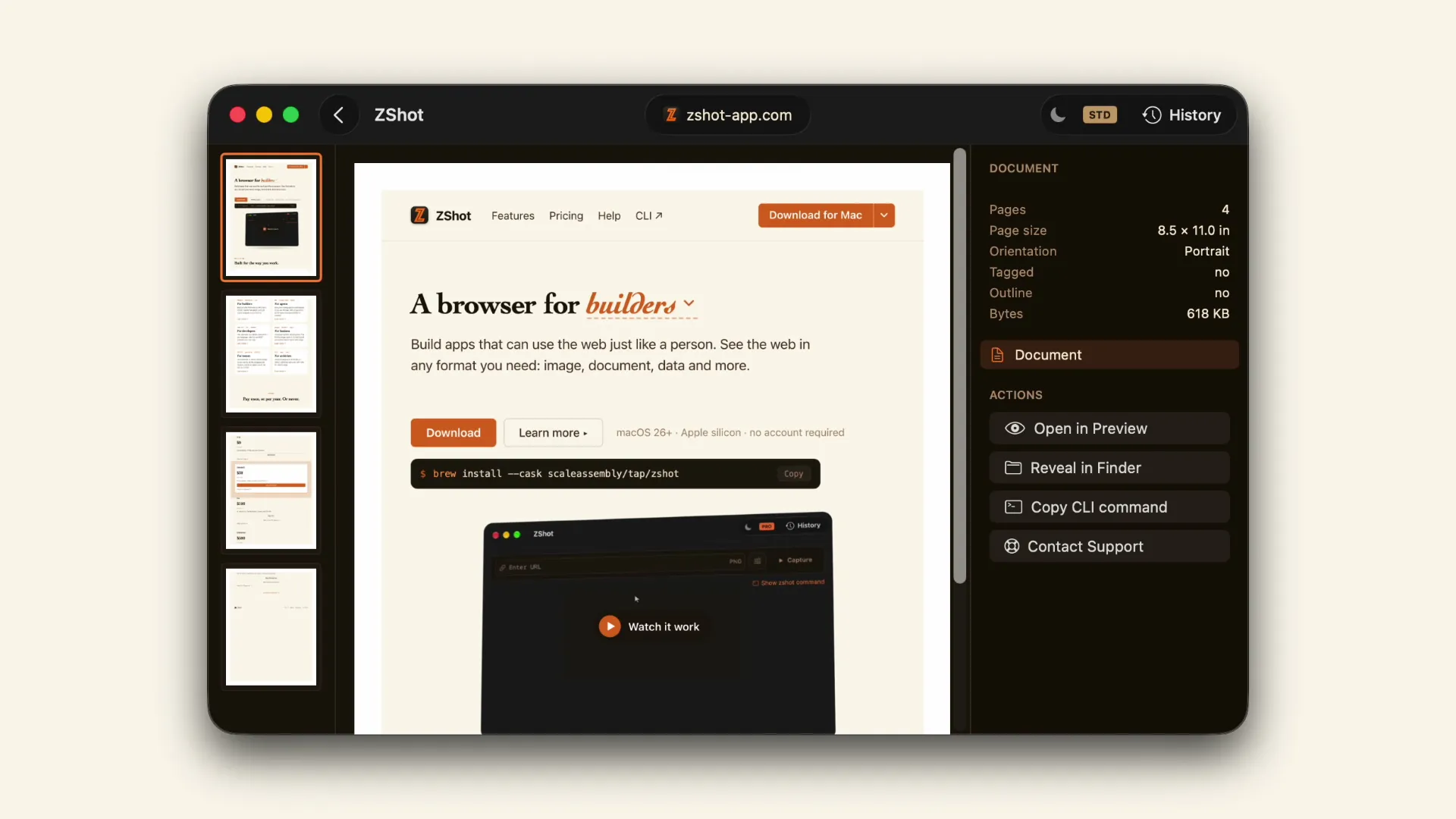
Save a page as a PDF
Flatten an entire scrolling page into one paginated PDF.
Document
STD
Save a page as a PDF
Flatten an entire scrolling page into one paginated PDF.
 Document
STD
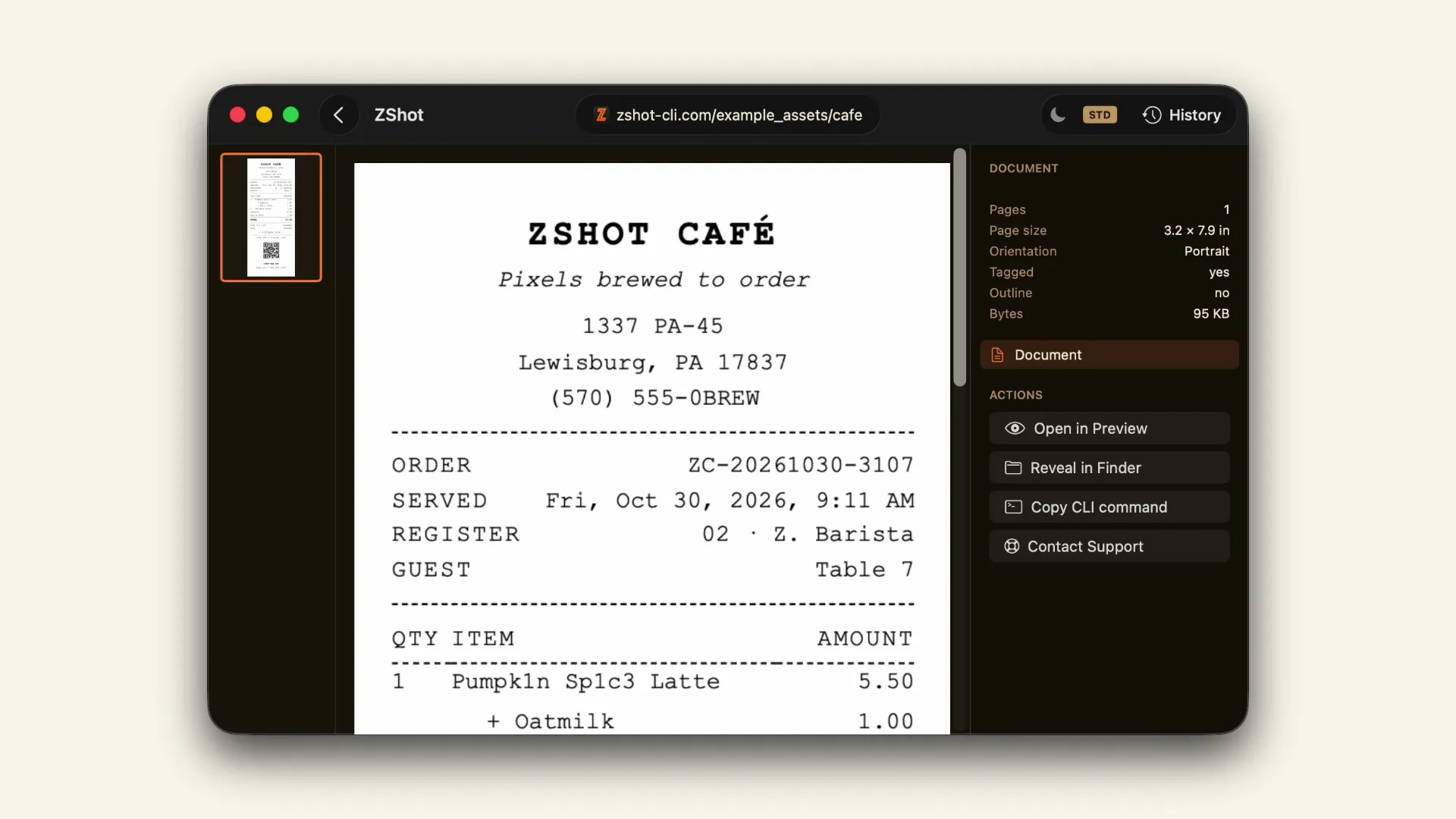
Save an accessible PDF
A tagged, print-sized PDF — text and reading order intact.
Document
STD
Save an accessible PDF
A tagged, print-sized PDF — text and reading order intact.
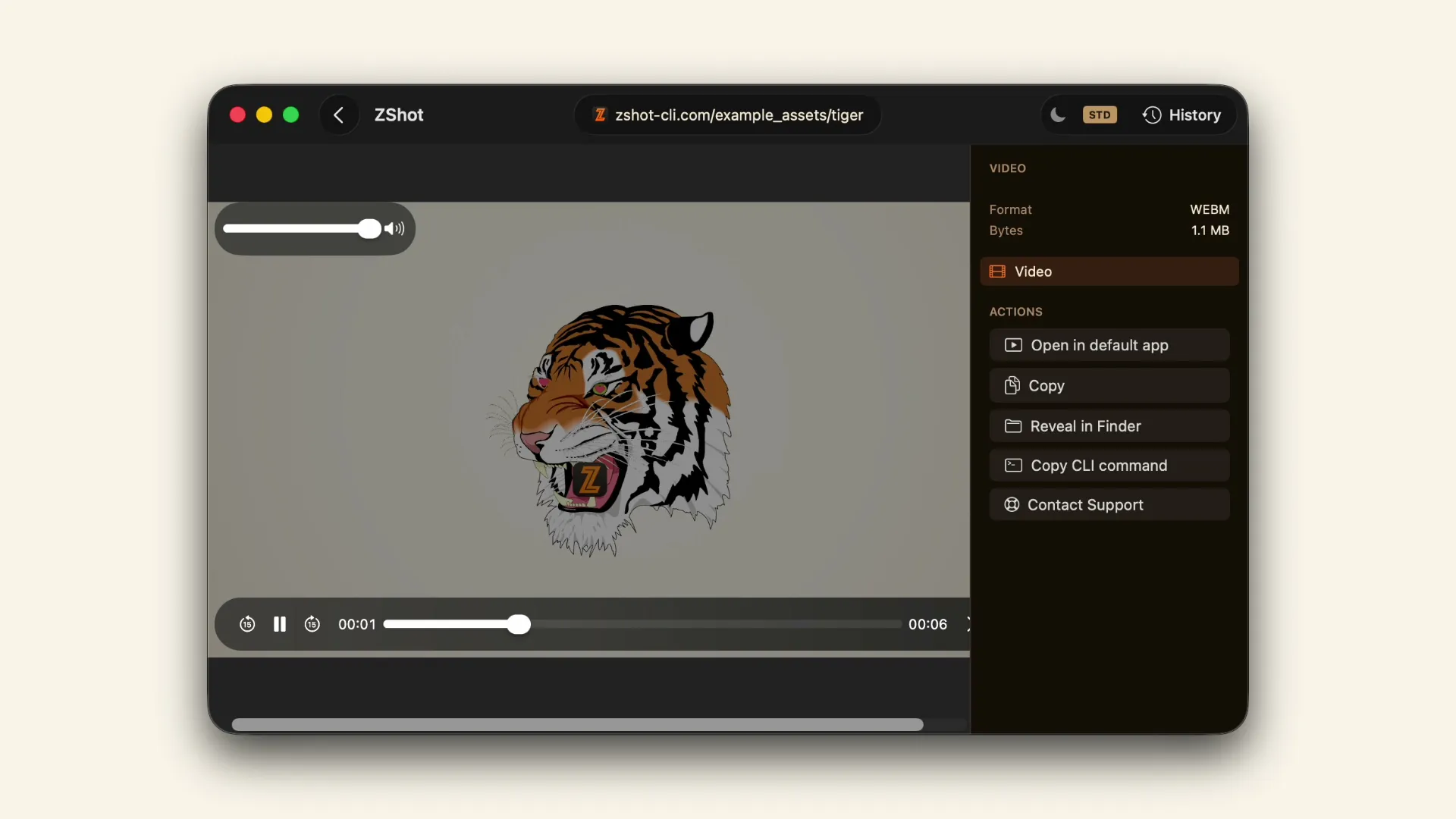 Record
STD
Record a page to WebM
Capture an animation to a WebM clip.
Record
STD
Record a page to WebM
Capture an animation to a WebM clip.
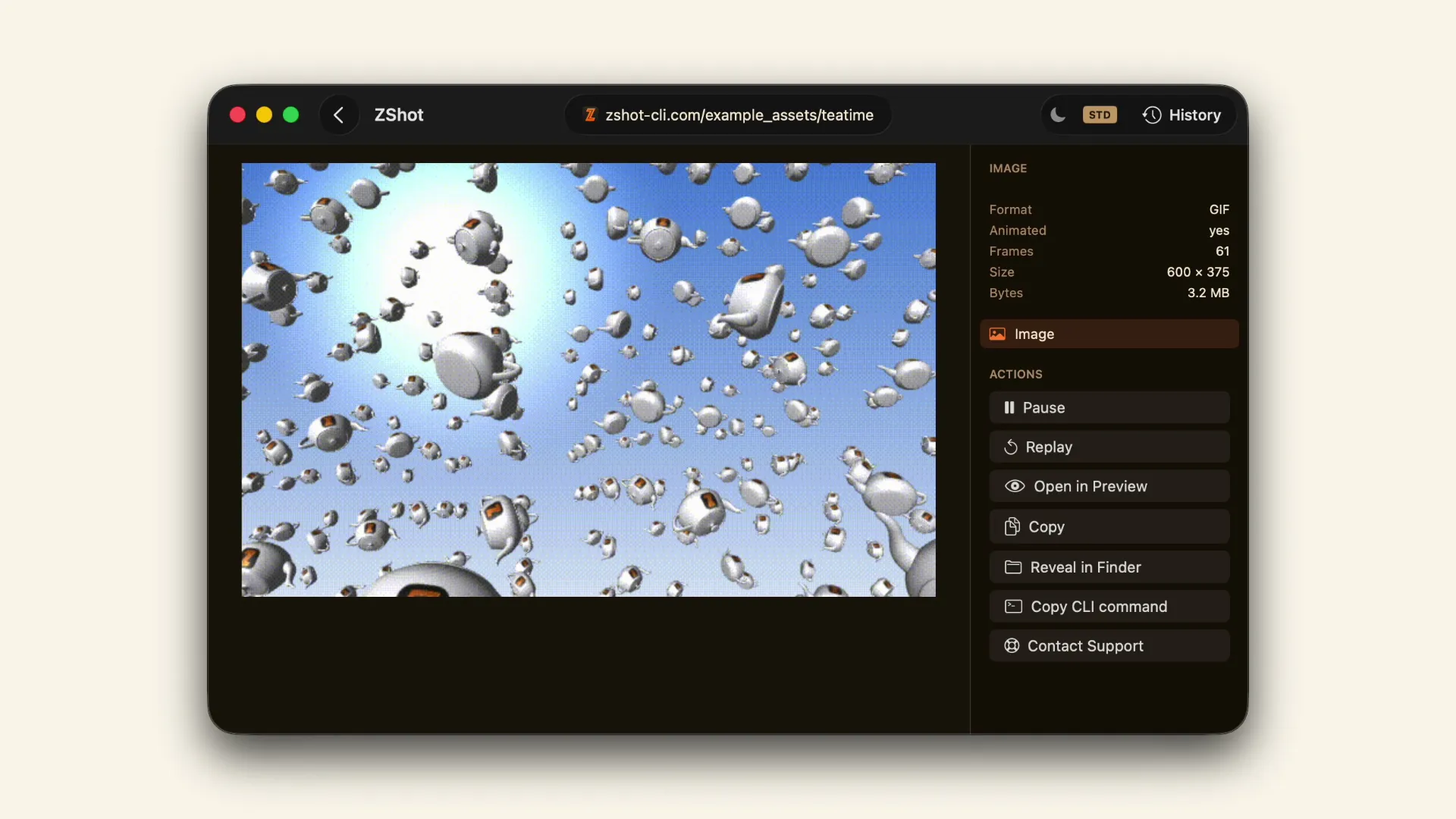 GIF
STD
Record a looping GIF
Loop a short animation as a GIF that plays anywhere.
GIF
STD
Record a looping GIF
Loop a short animation as a GIF that plays anywhere.
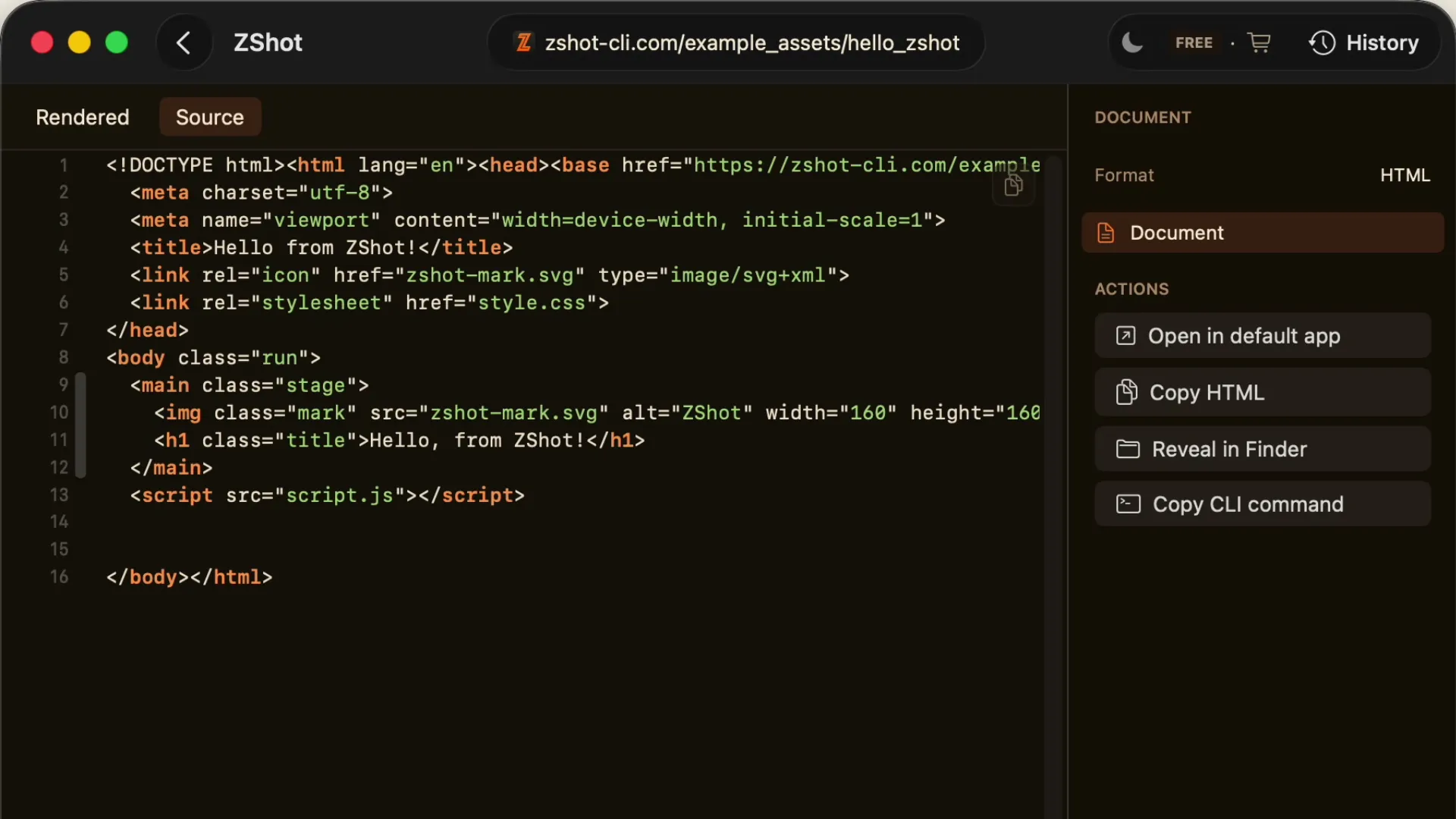 HTML
Save the rendered HTML
Grab the page's HTML after scripts run, not the raw source.
HTML
Save the rendered HTML
Grab the page's HTML after scripts run, not the raw source.
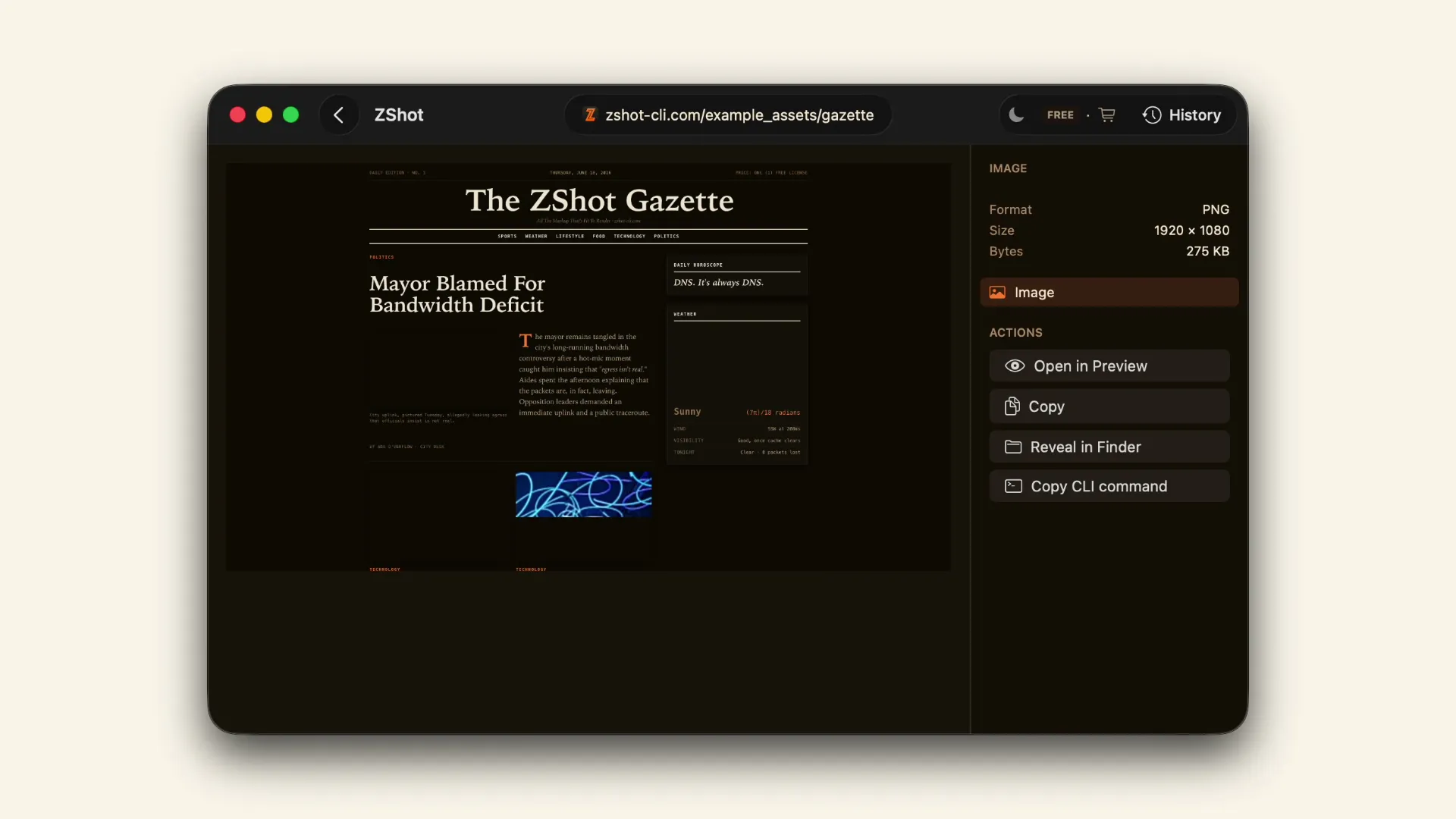 Appearance
Capture a page in dark mode
The page's own dark palette, captured.
Appearance
Capture a page in dark mode
The page's own dark palette, captured.
 Device
Capture a full page on a phone
The whole page, top to bottom, at phone width.
Device
Capture a full page on a phone
The whole page, top to bottom, at phone width.
 Device
Capture a page on a tablet
A page as it lays out on a tablet.
Device
Capture a page on a tablet
A page as it lays out on a tablet.
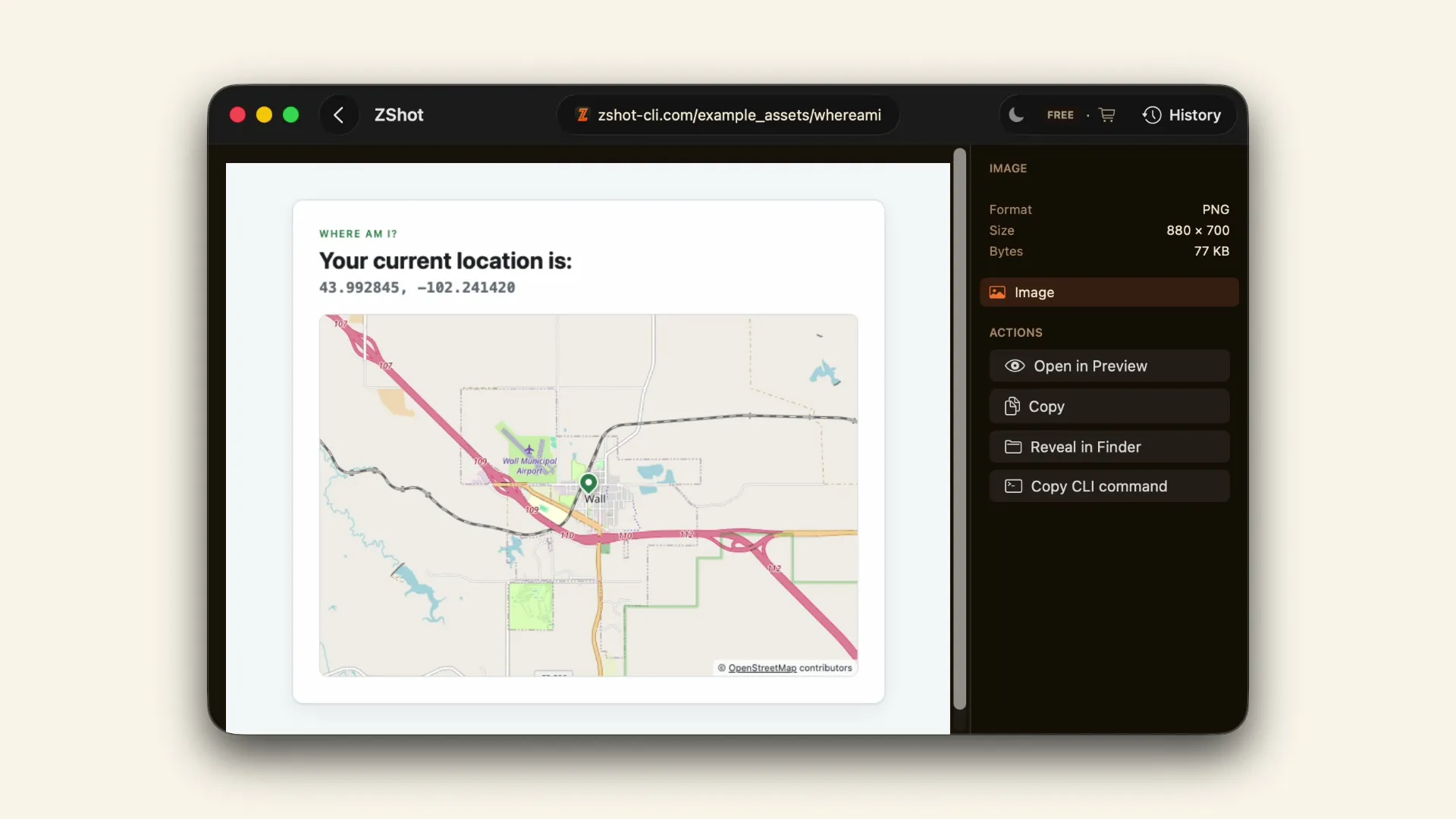 Location
Capture a page from another location
What a page shows for a place you choose.
Location
Capture a page from another location
What a page shows for a place you choose.
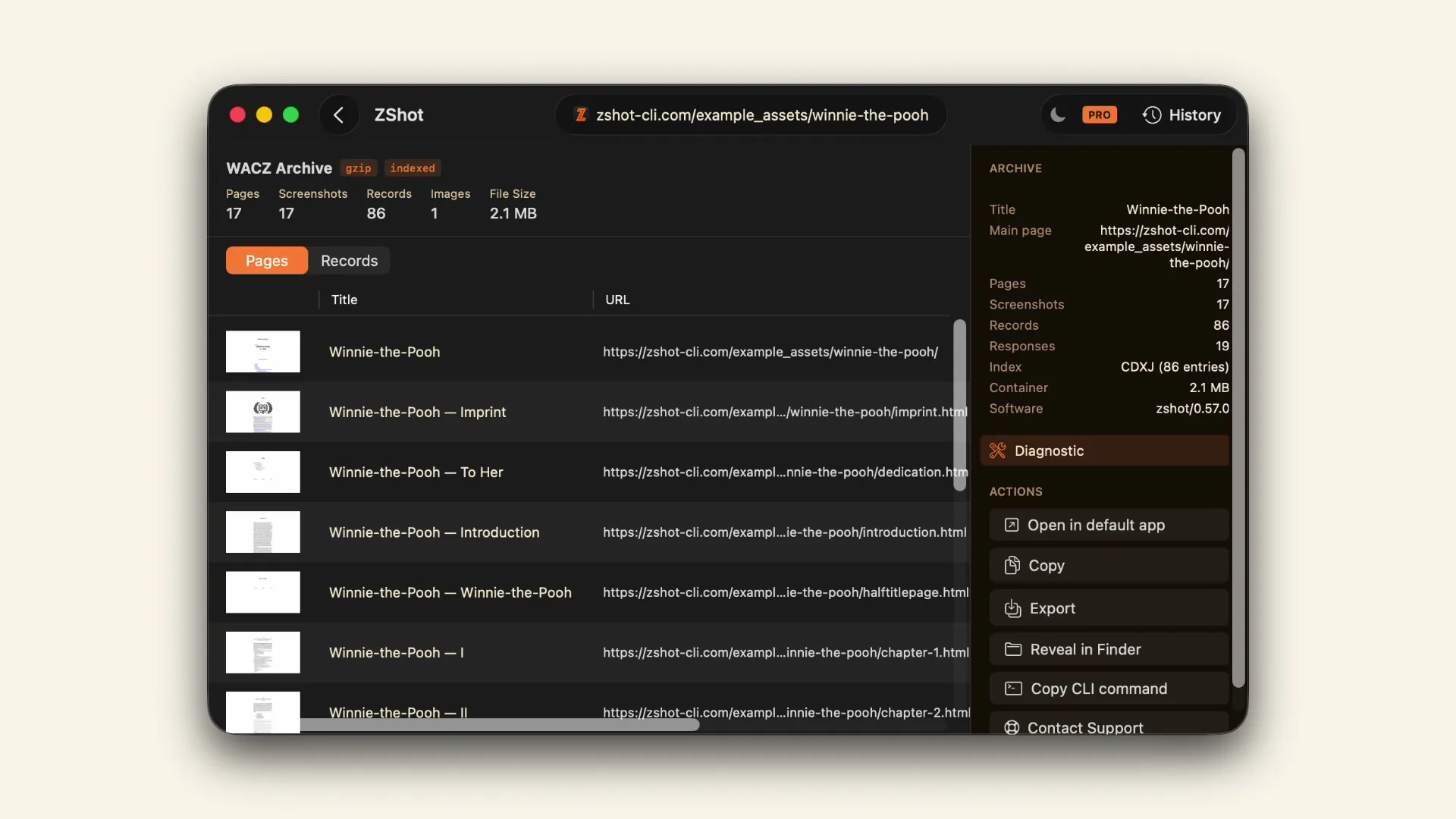 Archive
PRO
Archive a site by following its links
Every linked page, saved into one archive.
Archive
PRO
Archive a site by following its links
Every linked page, saved into one archive.
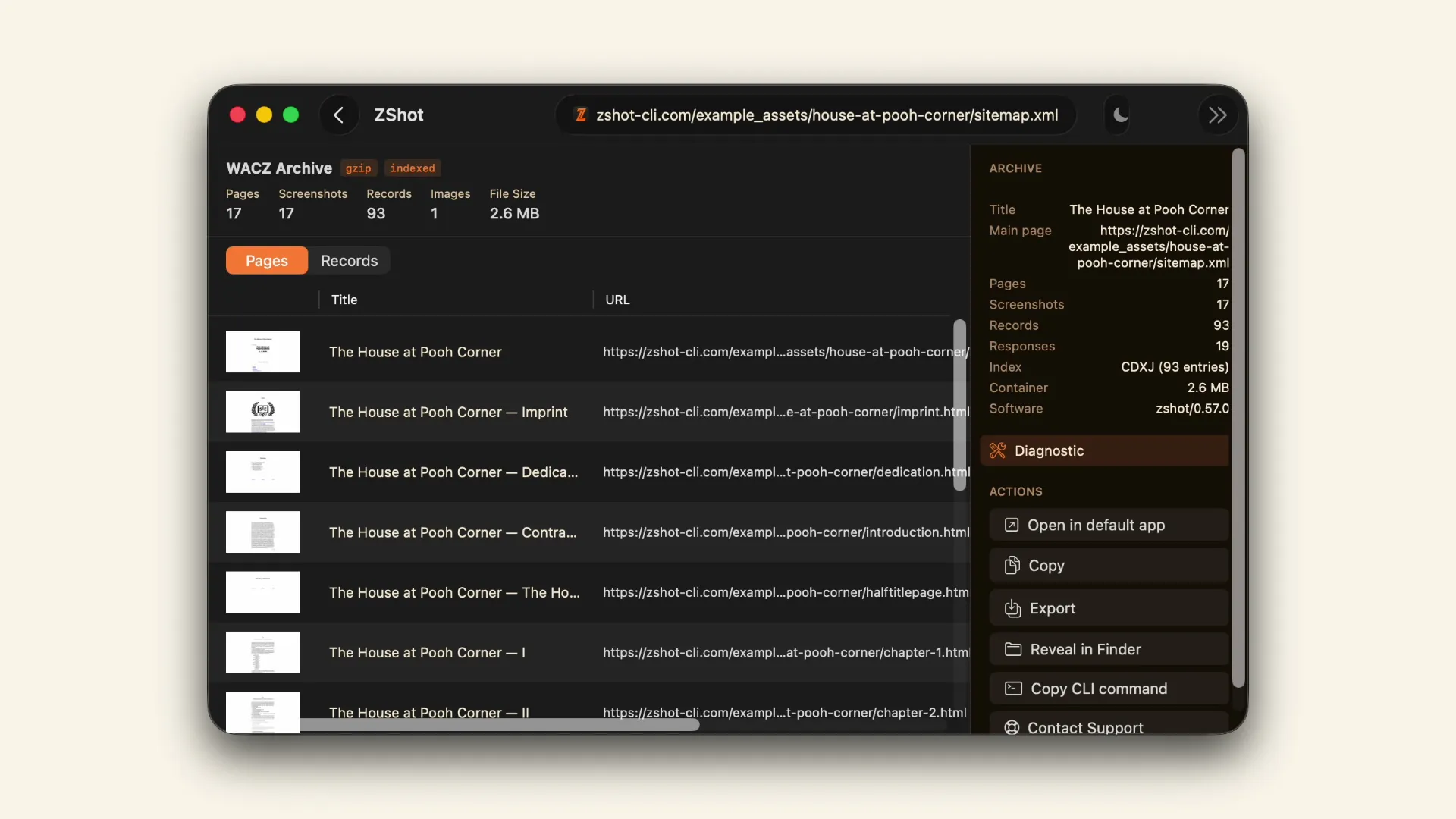 Archive
PRO
Archive every page in a sitemap
Every page a sitemap lists, saved into one archive.
Archive
PRO
Archive every page in a sitemap
Every page a sitemap lists, saved into one archive.
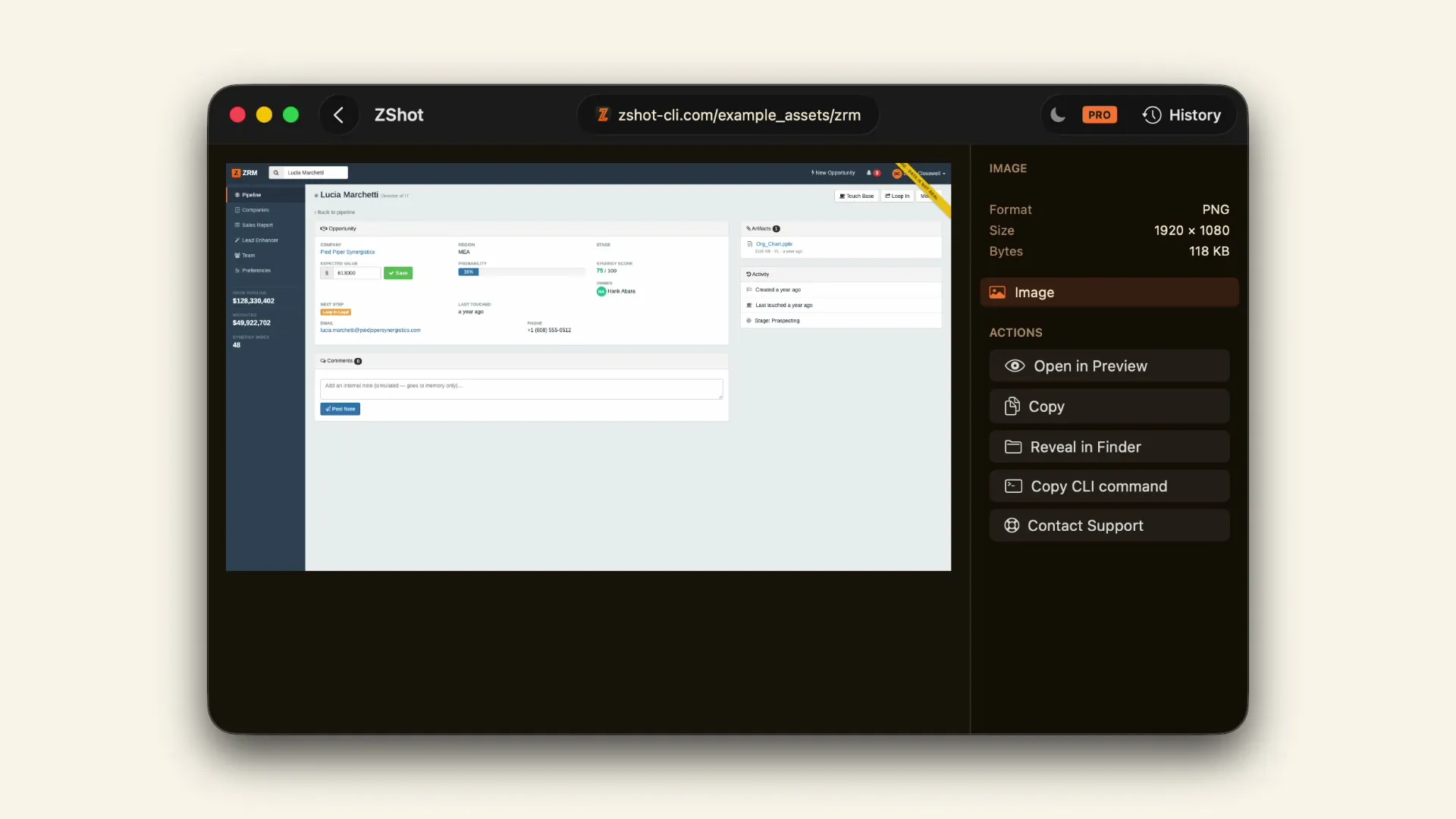 Agent
PRO
Log in, then capture
An agent logs in and captures the page behind it.
Agent
PRO
Log in, then capture
An agent logs in and captures the page behind it.
 Agent
PRO
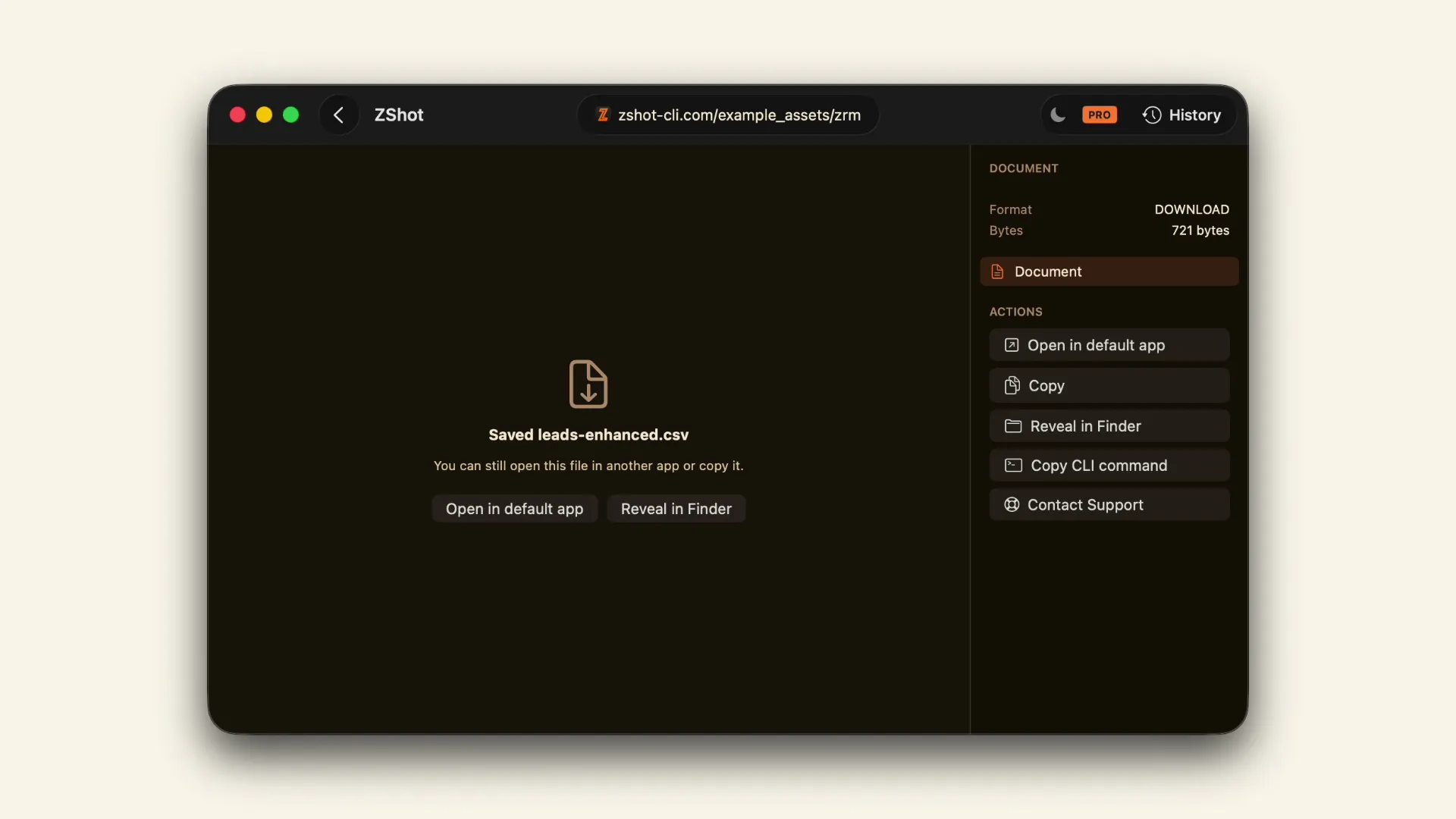
Upload a file, download the result
An agent uploads a file and brings back the result.
Agent
PRO
Upload a file, download the result
An agent uploads a file and brings back the result.
 Agent
PRO
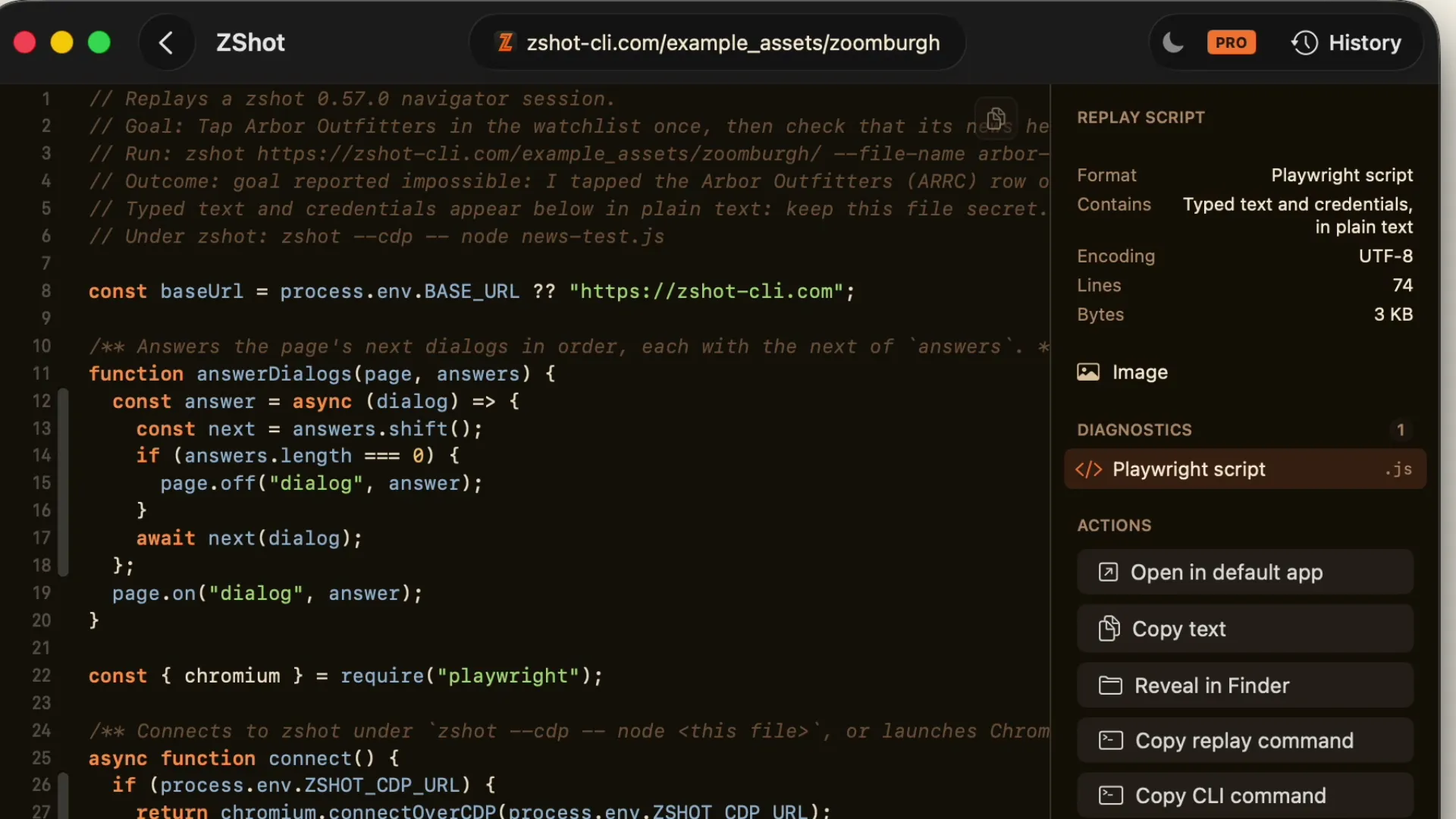
Turn a bug into a test
An agent checks a behavior and writes the test.
Agent
PRO
Turn a bug into a test
An agent checks a behavior and writes the test.
 Agent
PRO
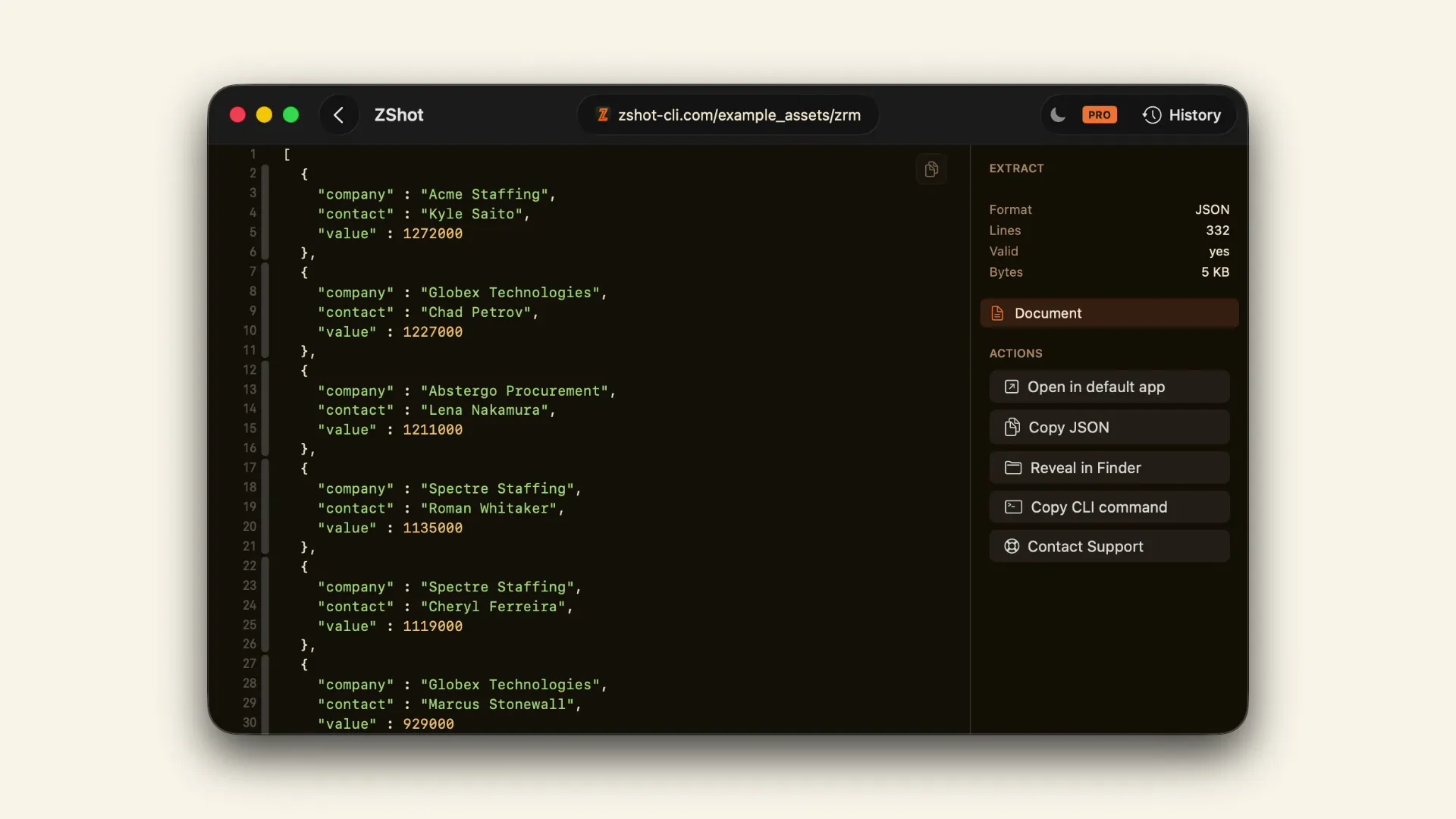
Log in, then extract JSON
An agent opens a report and returns it as JSON.
Agent
PRO
Log in, then extract JSON
An agent opens a report and returns it as JSON.No how-tos match.